
Images
In this section, you can configure the images that are displayed in the designer.
Base image
This is the image that will be displayed in the designer interface. You can configure a base image for each side and for each combination image.
Mask image
You can configure a mask image for each base image.
The role of the mask image is to cover the design excess and limit the customization to the product area.
The mask image is a PNG or SVG image with a transparent area. This transparent area defines the design area.
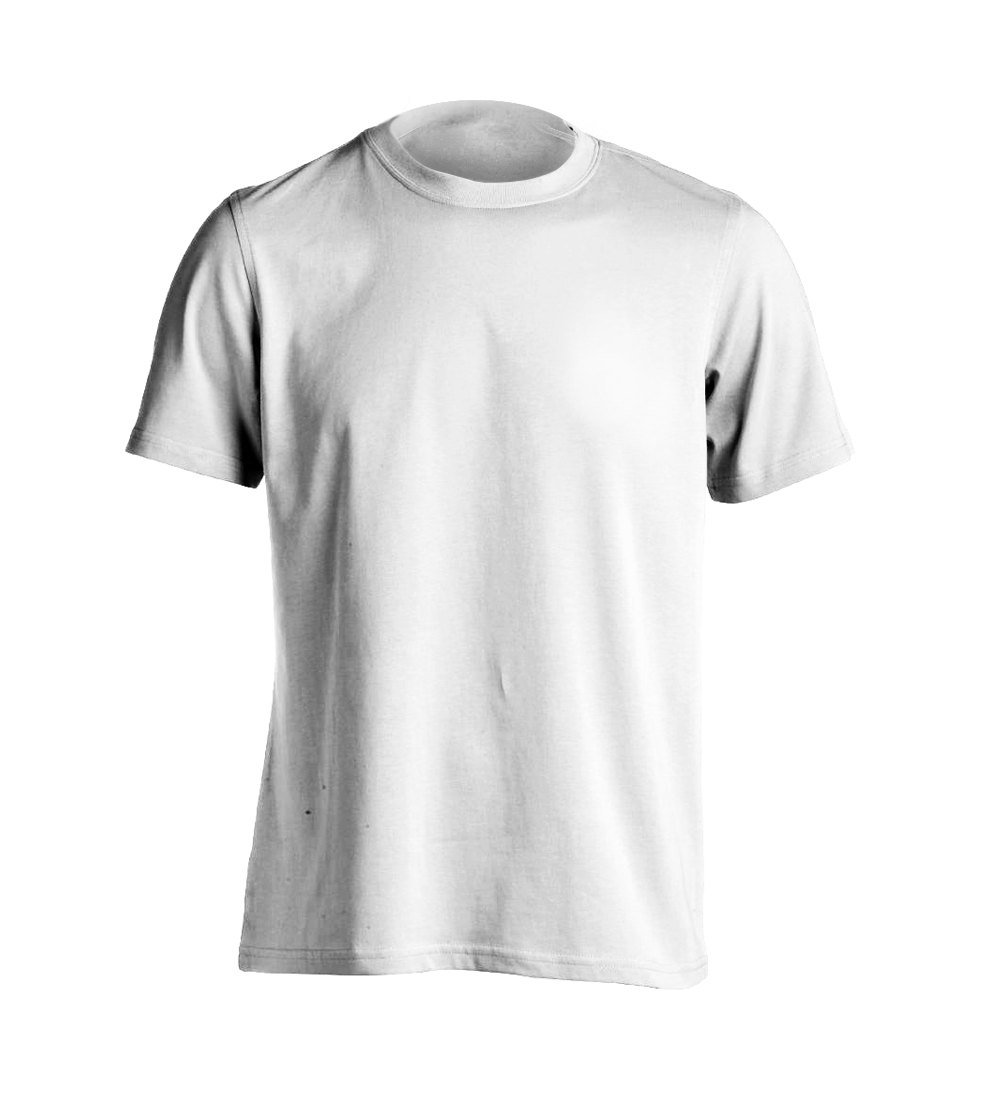
Here's an example of a base image and a mask image:
- Base image
- Mask image
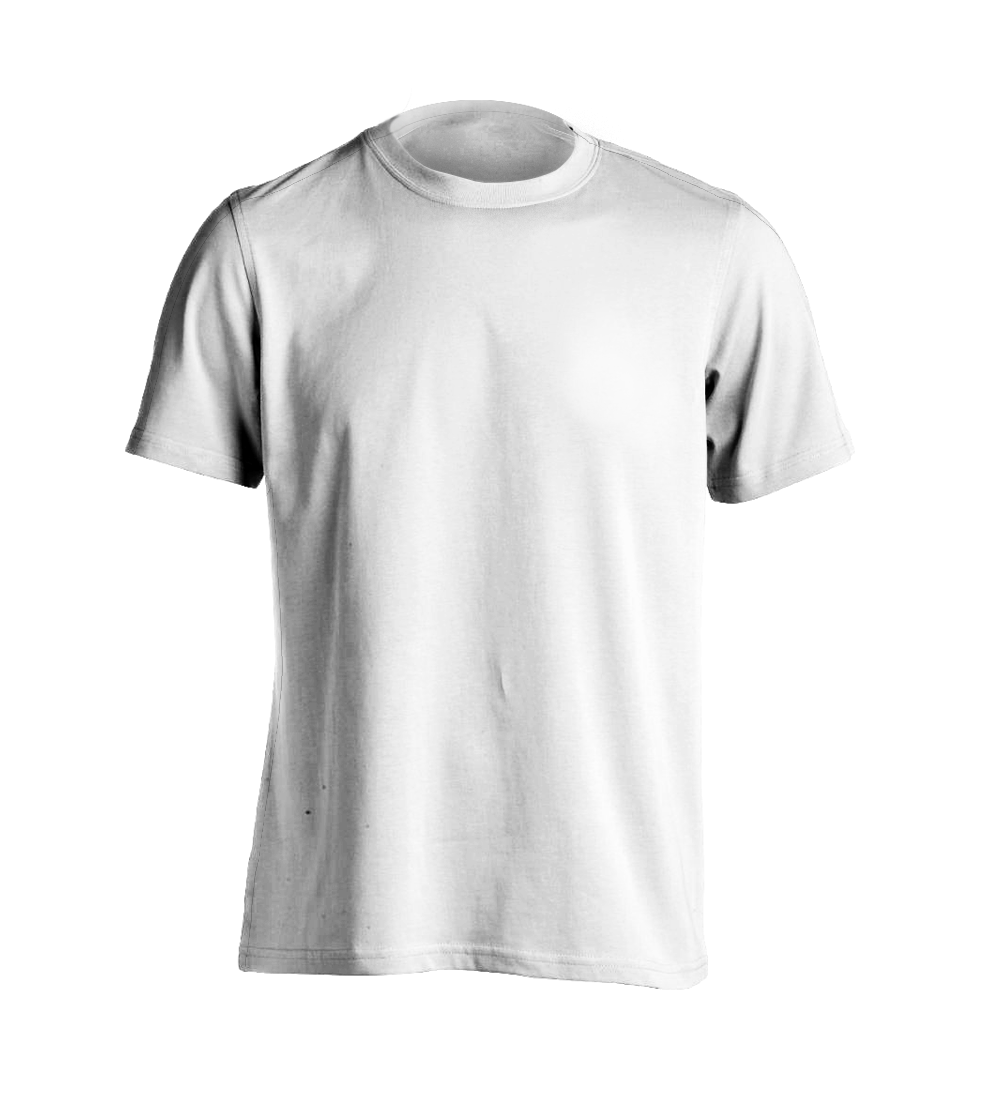
Notice the transparent area in the mask image. When this image is applied on top of the design, then only the design that is in the product area will be visible.
- Full example
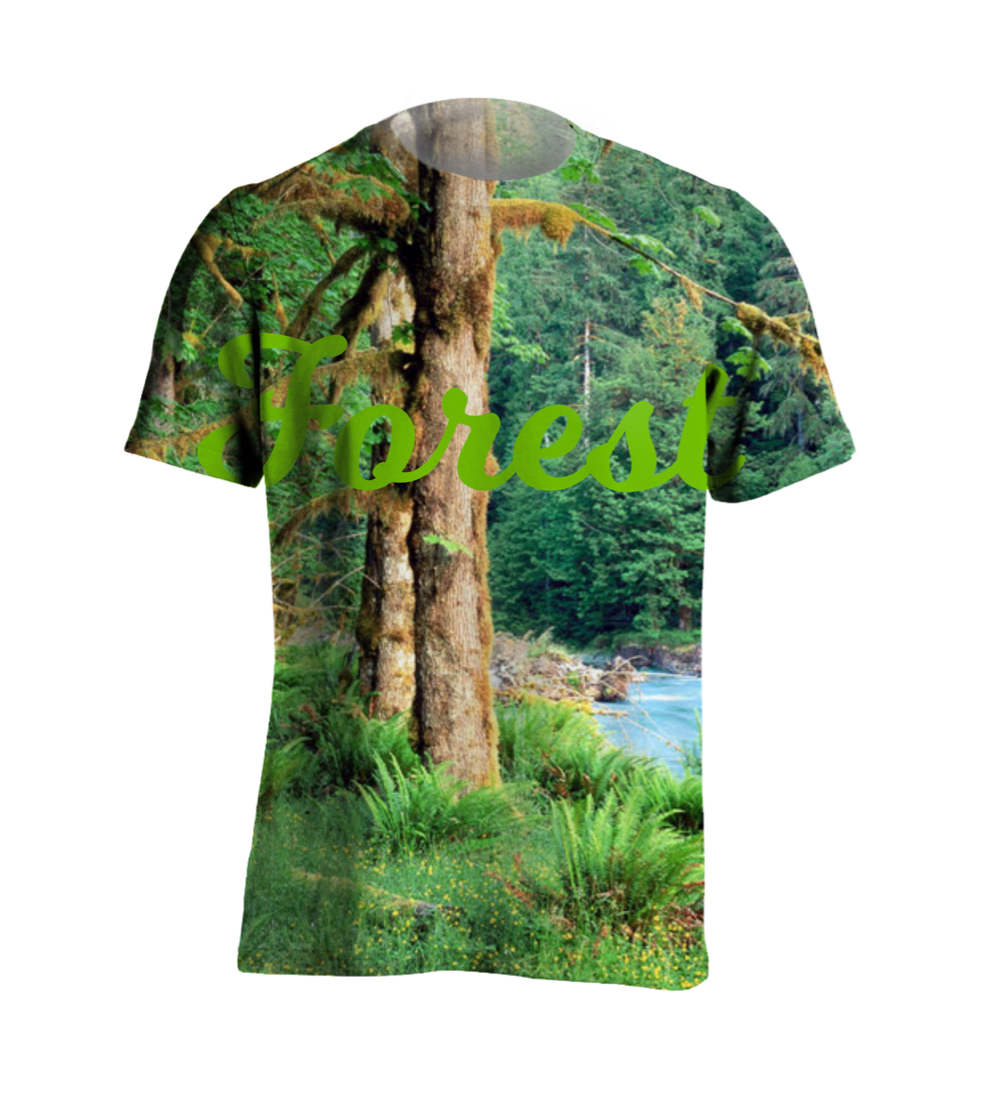
Only the part of the design that is under the transparency is visible.
Production canvas
The production canvas is only included in the final SVG. It's useful when you want to use a large background image for production but only show a smaller image in the product page to ensure a faster page load.
Production mask
The production mask follows the same principles are the mask image but is only included in the production SVG.